
Guides · Client resources
Guides I’ve written to walk you through the web design process, from deciding what you need to keeping your site working after launch. Plain English, no sales pitch.
Start here
Getting started
What DIY builders do well, where they start costing you leads, and how to tell which one fits where your business is right now.
Behind the process
Where AI speeds up my work, where I keep it out, and what that means for your project.
AI & automation
Simple, low-risk ways to hand off busywork, from answering leads faster to keeping your site fresh.
Getting started
Photos, copy, logins and logos: a simple checklist so your project moves fast.
SEO & marketing
What happens behind the scenes each month, and how to read the reports you get.
Free checklist
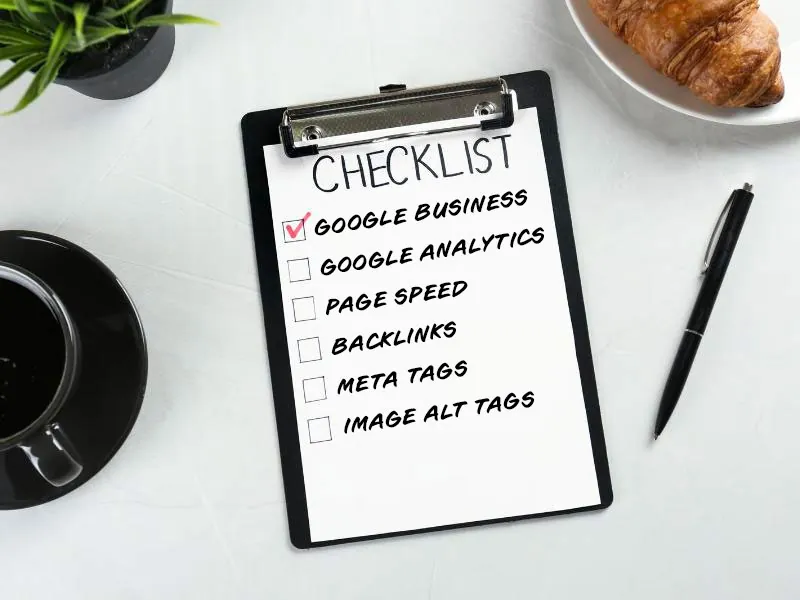
Run through my website health checklist and see what’s helping your site, and what’s quietly sending people to your competitors.
Book a free call and I’ll give you an honest take on what your website needs next.

I use cookies to see how people find and use my site, so I can keep making it better. No selling your data, ever. You choose what’s on
Manage your cookie preferences below:
Essential cookies enable basic functions and are necessary for the proper function of the website.
These cookies are needed for adding comments on this website.
Google reCAPTCHA helps protect websites from spam and abuse by verifying user interactions through challenges.
Google Tag Manager simplifies the management of marketing tags on your website without code changes.
Service URL: business.safety.google (opens in a new window)
Statistics cookies collect information anonymously. This information helps us understand how visitors use our website.
Google Analytics is a powerful tool that tracks and analyzes website traffic for informed marketing decisions.
Service URL: policies.google.com (opens in a new window)
Google reCAPTCHA helps protect websites from spam and abuse by verifying user interactions through challenges.